Design System & UX Flows
Visual documentation of the current platform state
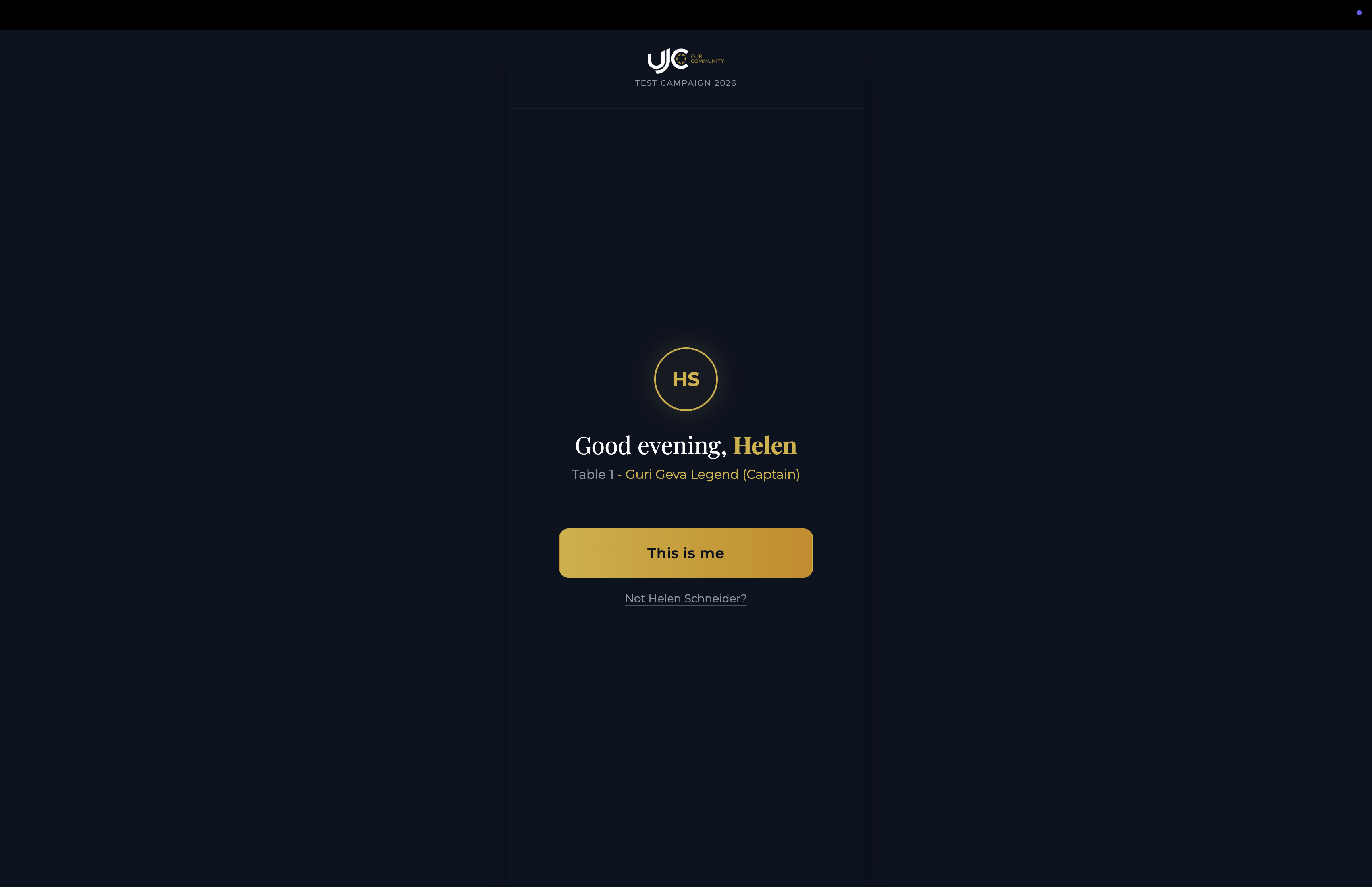
Donor Identity & Welcome
The initial personalized greeting screen. Recognizes the donor via their unique token, displaying their name (e.g., 'Helen') and table assignment. The 'This is me' button confirms identity to proceed.
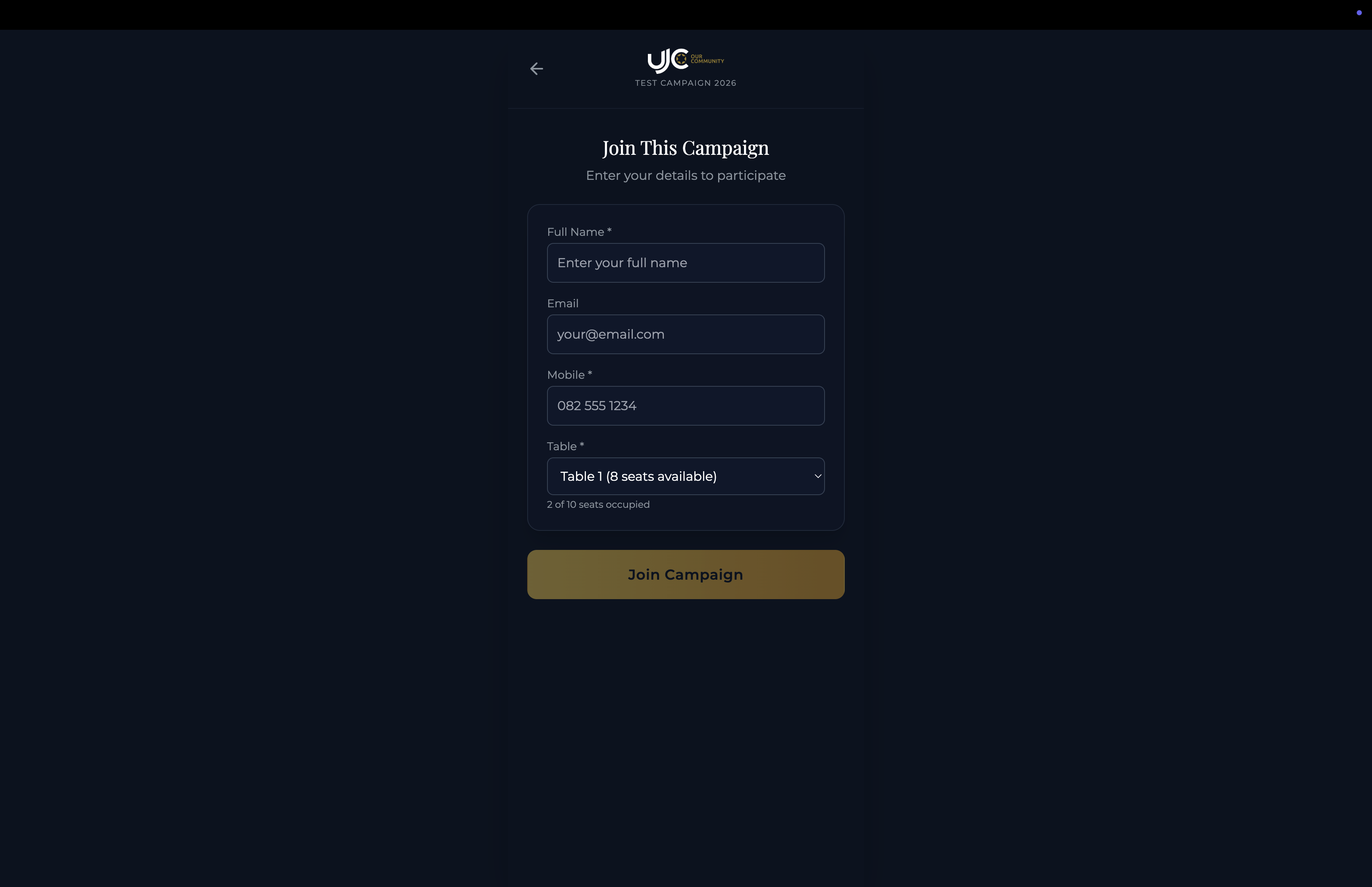
Quick Registration
A streamlined form for new or unverified participants to join the campaign. Captures essential details like Name, Email, Mobile, and Table selection to associate them with the event.
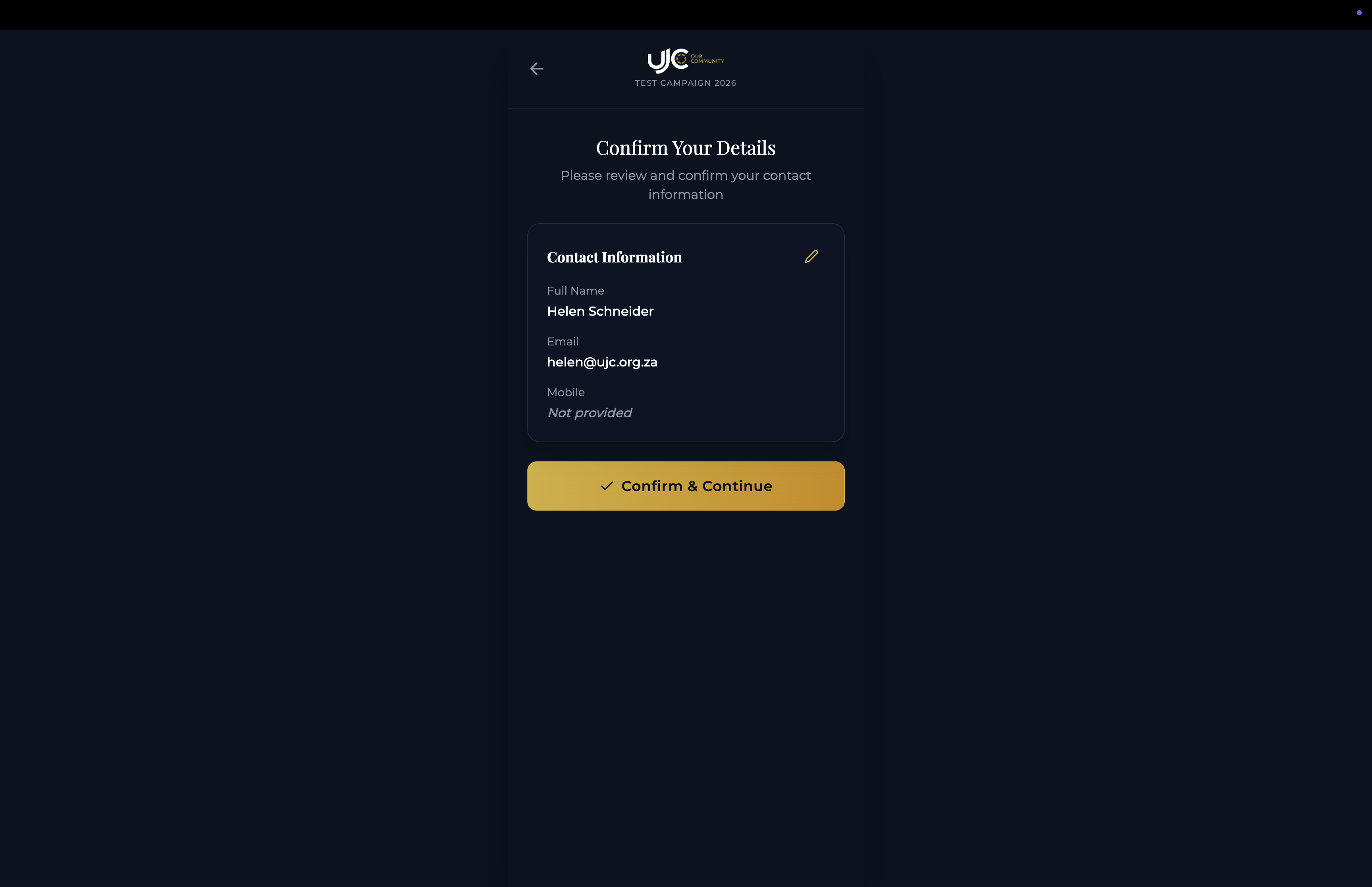
Contact Verification
A review step ensuring the donor's contact information is accurate before they make a pledge. This prevents data errors and provides a chance for correction.
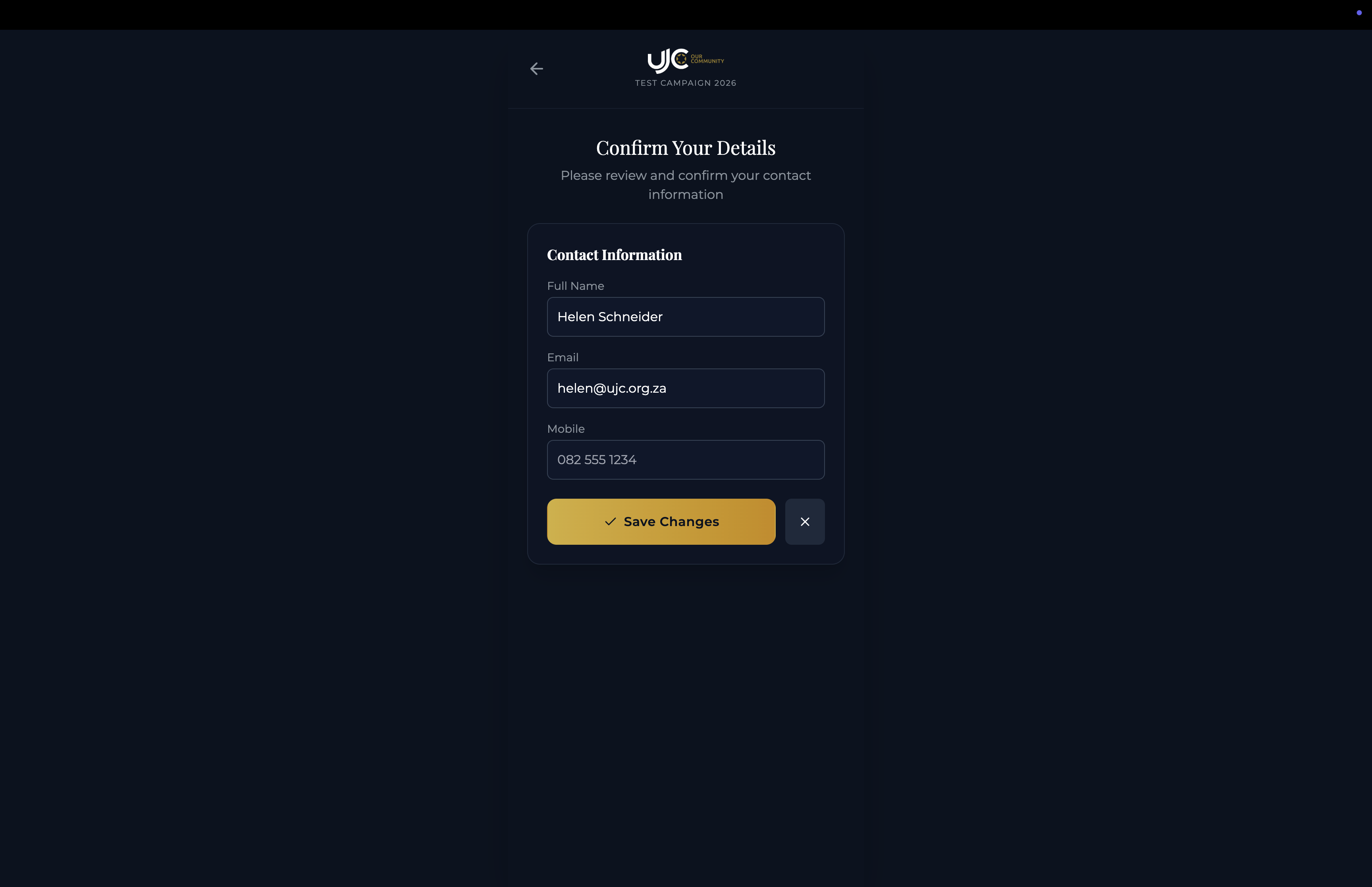
Edit Contact Details
An overlay modal that allows the donor to update their personal information if the verification step reveals any outdated details.
Impact Dashboard & Journey
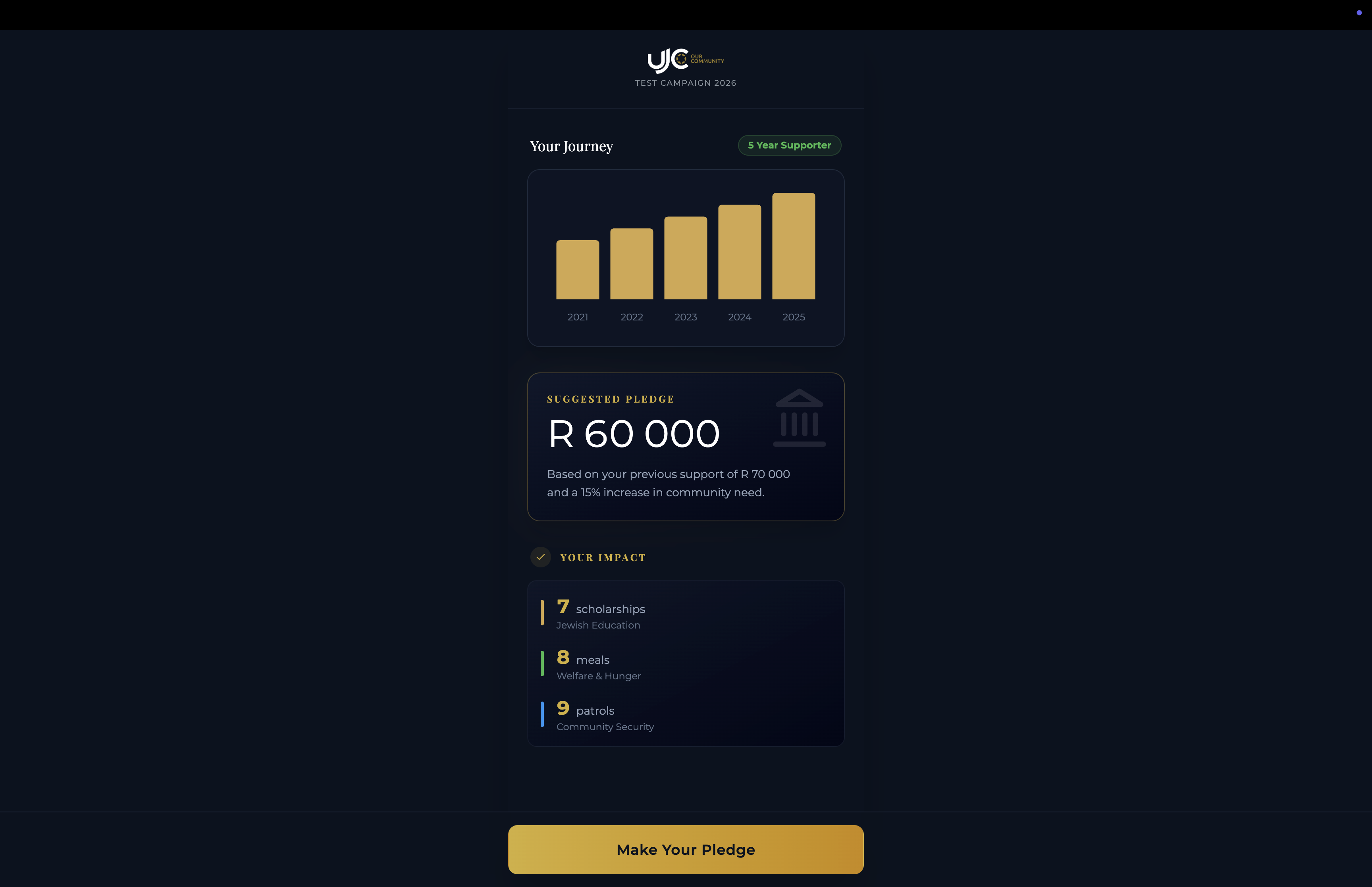
The central hub for the donor. Visualizes their giving history over the last 5 years with a bar chart, presents a smart 'Suggested Pledge', and highlights the concrete impact of their support.
Pledge Amount Selection
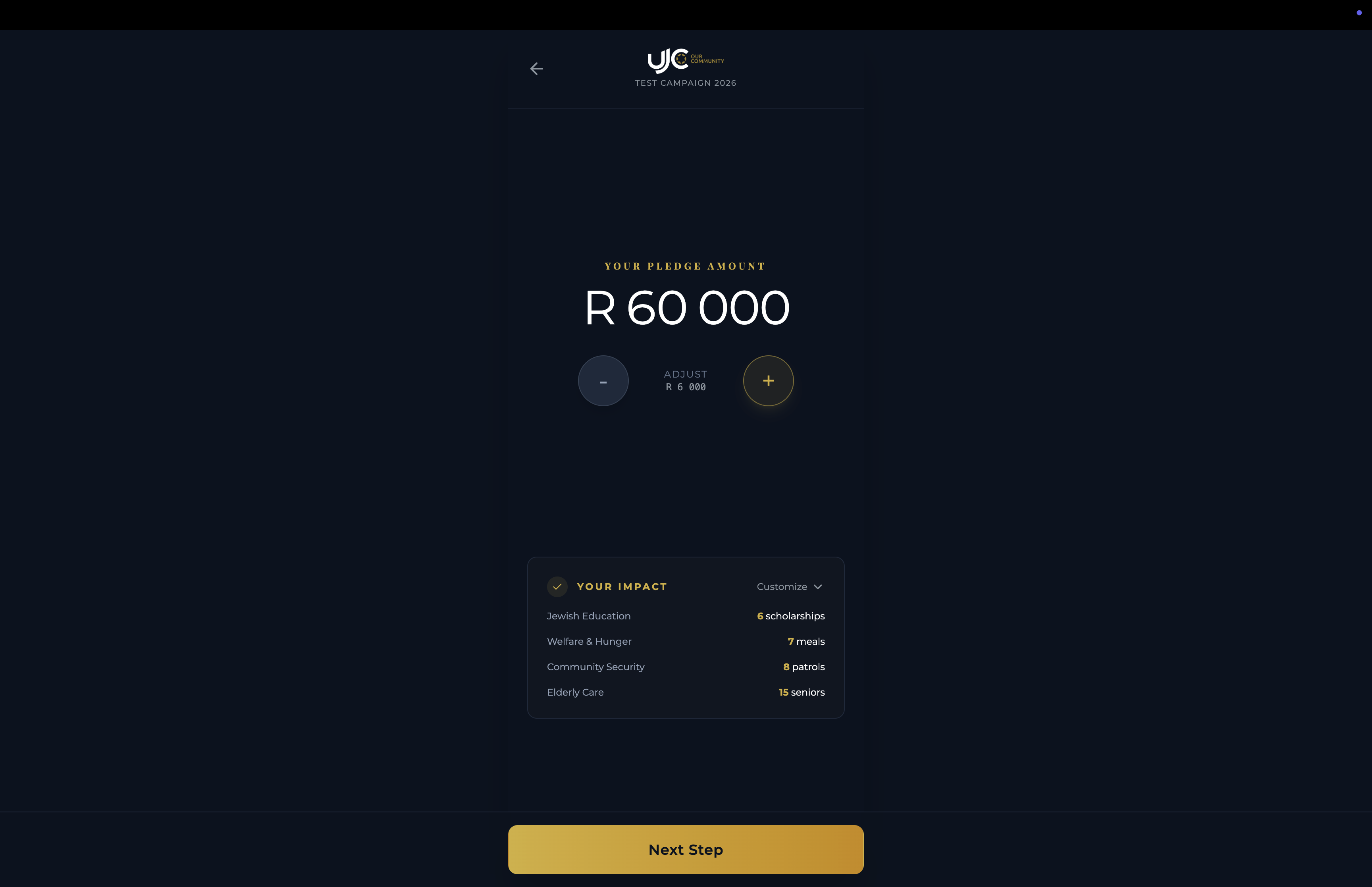
The core donation interface. Users can set their pledge amount using direct input or convenient +/- adjustment buttons. The UI links the amount directly to impact metrics below.
Impact Allocation
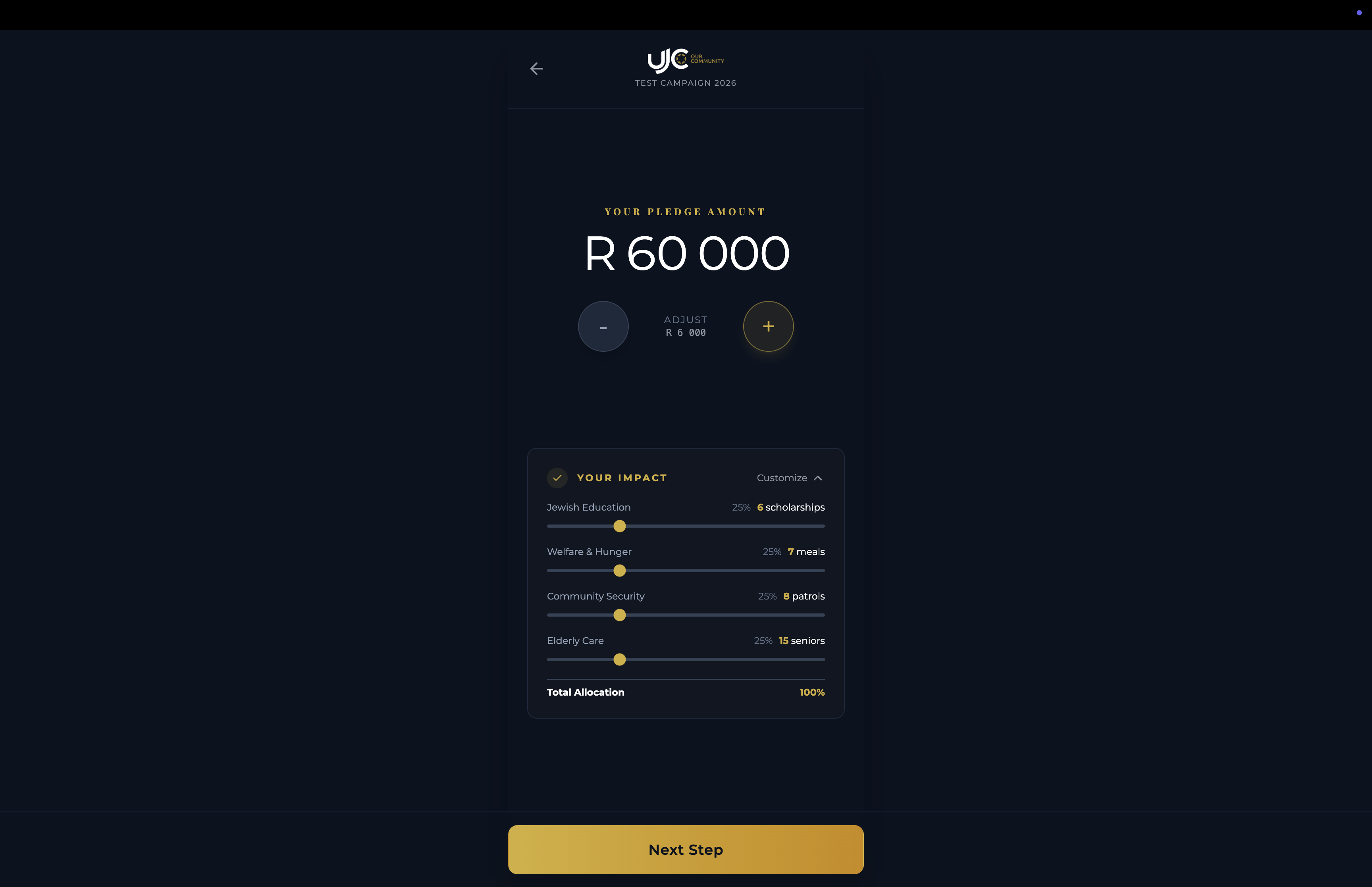
An interactive slider interface allowing donors to distribute their total pledge across specific causes (e.g., Jewish Education, Welfare). It empowers donors to direct their funds where they care most.
Pledge Review Summary
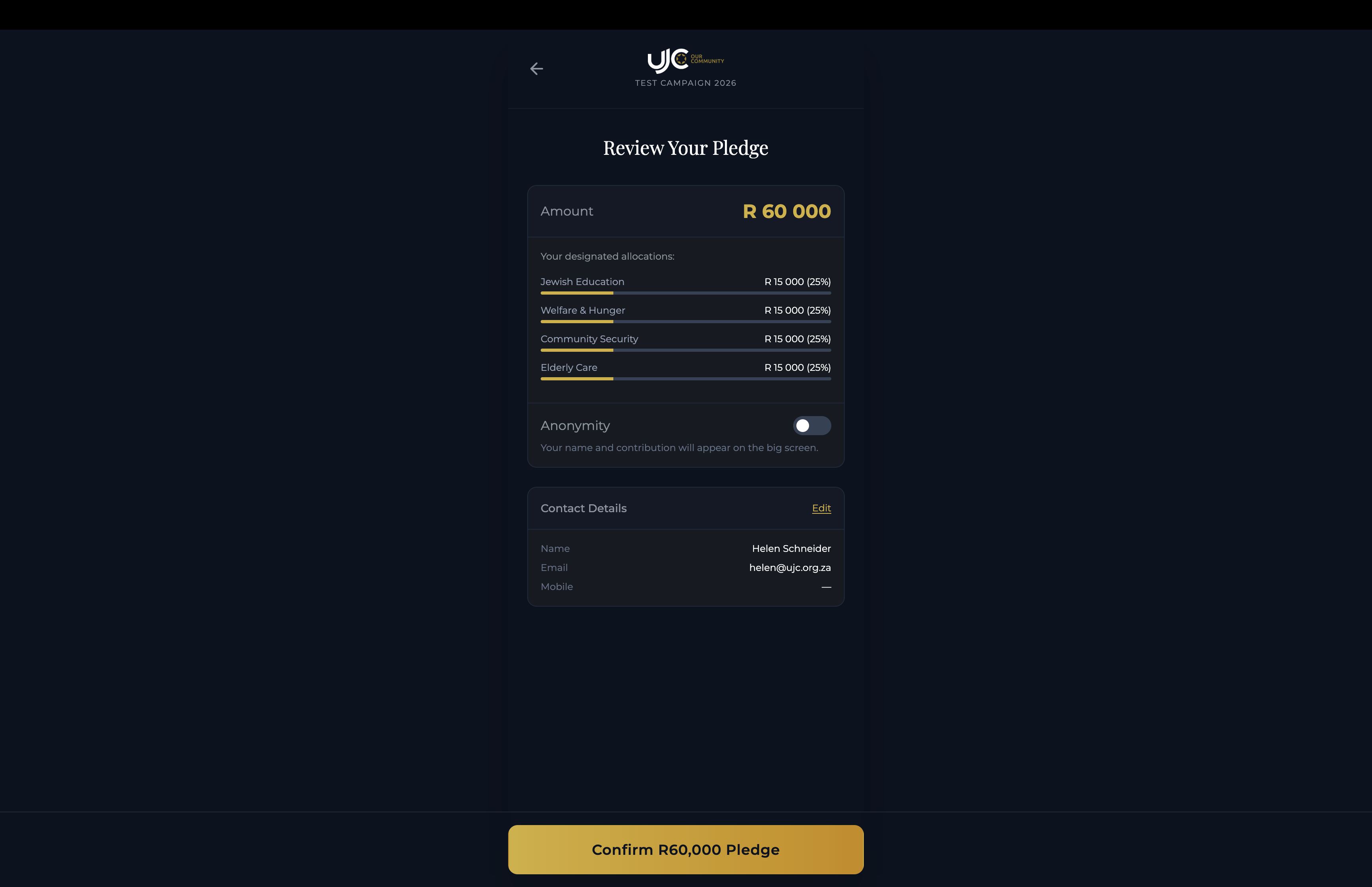
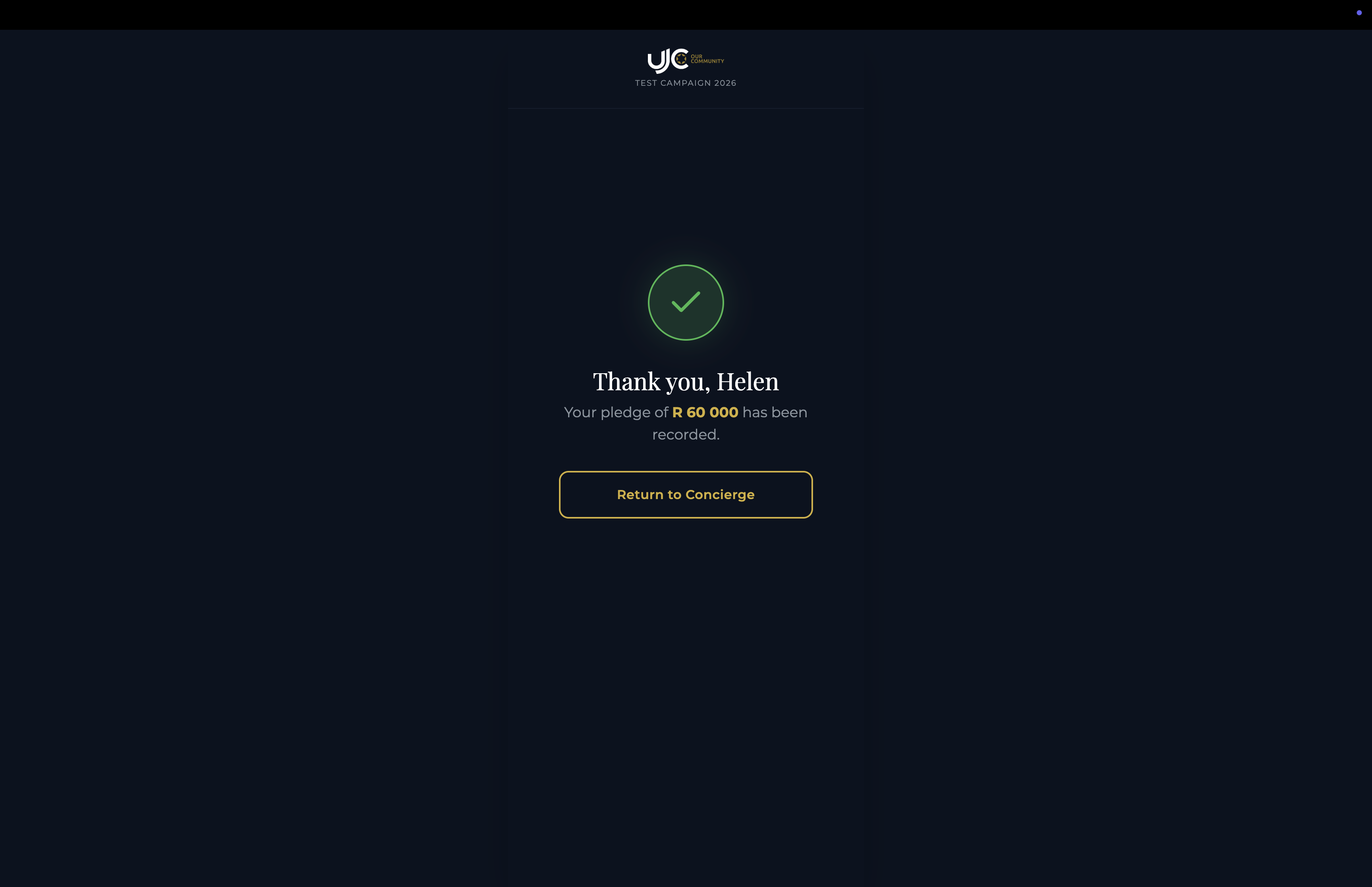
The final confirmation step. Summarizes the total amount, specific allocations, and contact details. Includes an 'Anonymity' toggle for donors who prefer not to be publicly listed.
Generated from Reference Screenshots • 2026